
VINELink Coverage in Lawrence County
Tennessee's victim-services instructions walk through the basic steps. Pick Tennessee, search a name or TDOC number, open Record Details, then choose Get Notified. The sheriff's MobilePatrol page lists VINE alerts among its features as well. Both are official signals. Neither guarantees full coverage of the detention center. VINE centers on custody status and change alerts. One result may come from county detention. Another may trace to a TDOC record. It will not replace the sheriff's incident report, the jail's booking answer, or the Lawrence County court docket, and it will not list everyone arrested on a given day. Search one person at a time and read the jurisdiction, facility, source, and status shown on the live record. The VINELink search interface is where the check begins.
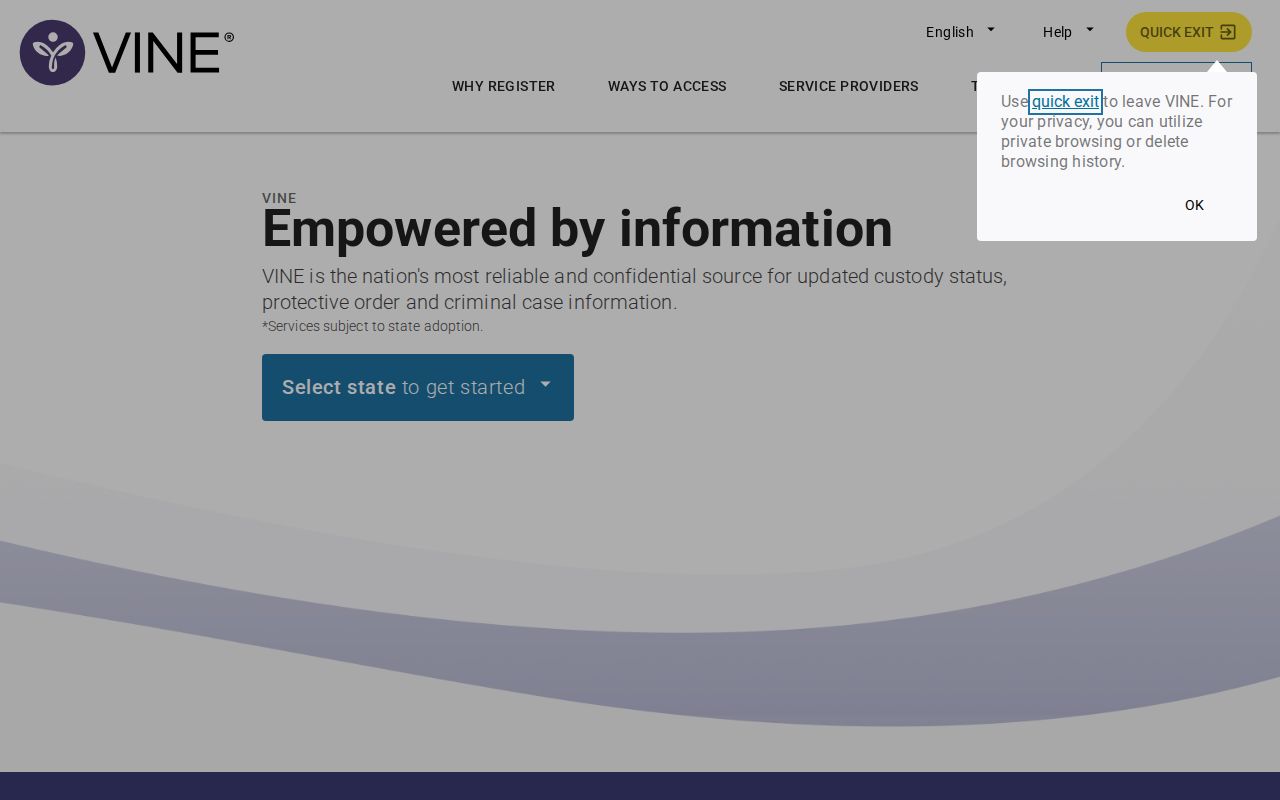
The capture illustrates the statewide starting point without exposing a person's private information.
Check a Lawrence County Arrest
Start with details that separate people who share a name. A birth date helps. A TDOC number works too. State instructions allow either, though the fields on the live interface can change. Remember that a TDOC number belongs to state corrections, not a county booking ID, so never treat a failed search with mismatched identifiers as proof of anything.
- Open VINELink and select Tennessee as the state.
- Enter the person's legal name or the correct state identifier when known.
- Review all possible matches rather than choosing only the first name.
- Open Record Details and compare the jurisdiction, facility, status, and identifiers shown.
- Record the access date and the wording of the status.
- Use Get Notified only after confirming the correct person.
A blank result does not clear anyone. The booking may be too new. The county record may not be included. Names get misspelled, people get released, and some records stay protected. For a fresh arrest, try the 24 Hour Arrests page or call booking at (931) 762-3646.
Lawrence County VINELink Result Fields
Focus on fields that confirm identity and current custody. Labels matter. VINELink promises no booking photo and no case outcome, so read what the screen actually says instead of filling gaps with guesses.
| Field | Meaning or limit |
|---|---|
| Name | Primary search term; confirm with other details |
| Record or offender ID | Use only within the system that issued it |
| Custody status | The participating source's current reported state |
| Facility | Where the record says the person is held or supervised |
| Record details | May include source-specific descriptive information |
| Notification option | Registration for offered custody changes |
| Photo | Not promised and not VINELink's central purpose |
| Disposition | Must be checked through the Lawrence County court |
The labels differ. "In custody," "released," "transferred," "probation," "parole," and "inactive" each describe a distinct state. Release does not end the court case, and TDOC supervision is not county-jail custody; a transfer simply moves a person between facilities or systems.
Register Lawrence County Custody Alerts
Open the right Record Details screen and choose Get Notified. The service is free. Tennessee says alerts can arrive by automated phone call, text, email, or TTY. Follow the live labels for the exact form. Share only the contact details your chosen method needs, and keep your PIN private.
- Confirm the record before starting registration.
- Select Get Notified from the matching record.
- Choose an available phone, text, email, or TTY channel.
- Enter the destination accurately and complete any confirmation step.
- Create or record the PIN when the service requests one.
- Save the registration confirmation and update contact details if they change.
Alerts can fail. The cause is usually ordinary: carrier filtering, a stale email address, a changed phone, or a delay on the source side. Tennessee lists a VINE operator at (888) 868-4631. Notifications support safety planning but never replace direct verification, and the TDOC victim-services instructions spell out the details.
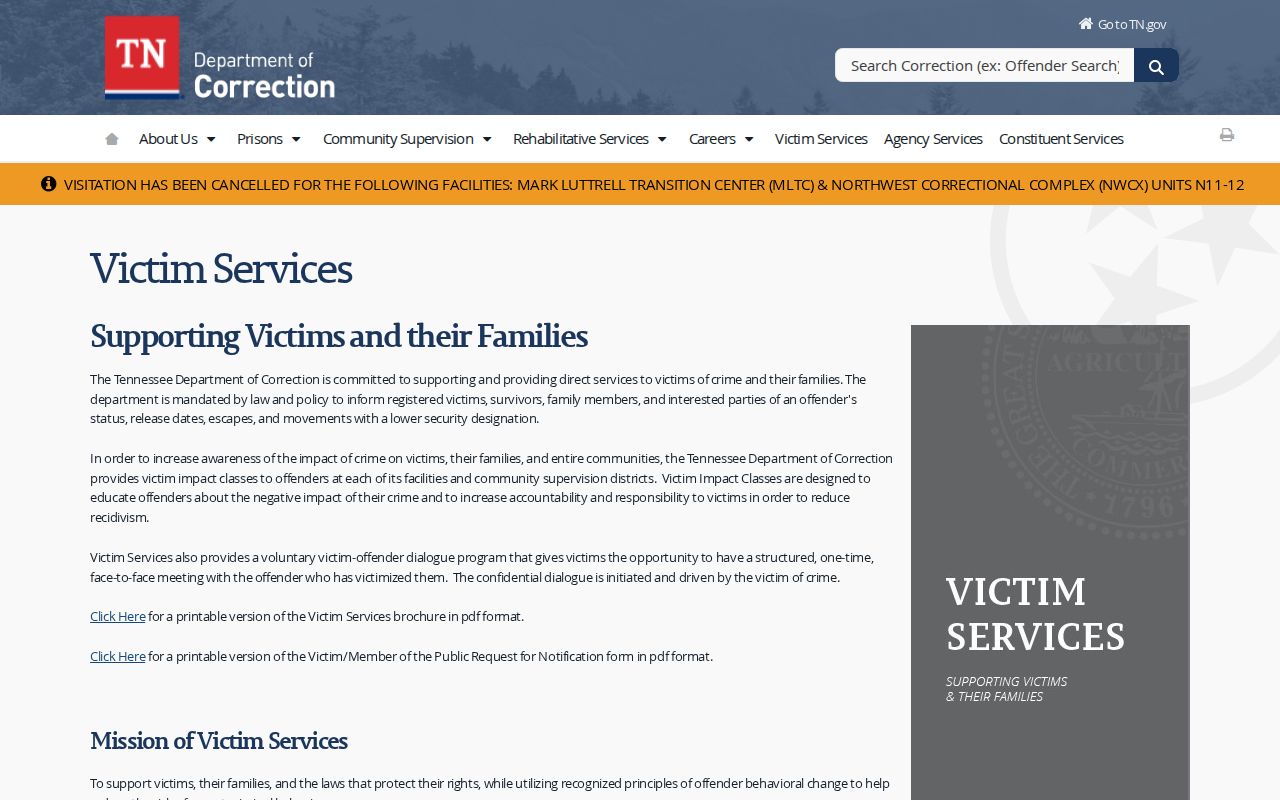
The official state page explains how search and notification work, while the live service controls the current fields and labels.
VINELink and MobilePatrol Differences
MobilePatrol is the sheriff-linked app. VINELink is the narrow custody-alert service. The app's page promotes jail bookings, warrants, most wanted, VINE alerts, emergency notices, tips, and sightings. One tool casts wide. The other tracks a single record. Seeing VINE mentioned in the app does not make every app booking a VINELink record, and refresh times may differ between the two. Pick by purpose. Use MobilePatrol for the county's app-defined booking information. Use VINELink to follow one participating custody record and register for a change alert. Use the booking line when time is tight, and use the court portal for charges as filed. Naming the source at each step keeps one system's status from being assigned to another. Lawrence County publishes no official web roster, so VINELink is not a stand-in roster. It shows no photographs either, and that is by design: its job is notification, not public photo display.
Fresh Lawrence County Booking Delays
No official page promises a Lawrence County booking within minutes or by the next morning. No timetable is published at all. A blank answer soon after an arrest means check elsewhere, not that no booking happened. Try the sheriff-linked app. Call the jail. Booking staff at (931) 762-3646 handle current booking, bond, and court-date questions. The Circuit Court Clerk can be reached at (931) 762-4398, per the sheriff's Booking FAQ. Those offices do different jobs. The jail answers who is in custody right now. The clerk answers questions about a case or schedule.
VINELink data may lag behind a fresh arrest, so confirm urgent Lawrence County custody questions with the booking office directly.
Custody Systems VINELink Excludes
VINELink has limits worth knowing. It is not the Federal Bureau of Prisons locator. That system searches federal custody by name or register number and reaches back to 1982. The U.S. Marshals Service posts no prisoner photographs or histories as a rule. ICE runs its own detainee locator built around an A-number or basic identity fields. Timing limits are attached. None of these answers whether someone sits in the Lawrence County jail.
| Question | Correct starting source |
|---|---|
| New Lawrence County booking | MobilePatrol and Detention Center booking office |
| Participating custody alert | VINELink |
| State felony custody or supervision | TDOC FOIL and Tennessee VINE |
| Federal imprisonment | BOP inmate locator |
| Immigration detention | ICE Online Detainee Locator |
| Case outcome | Lawrence County court portal or clerk |
A missing Lawrence County result does not mean an ICE detainer, a federal transfer, or a state sentence. For each of those statuses, ask the agency that runs that custody system directly.
Lawrence County Arrests Are Allegations
VINELink answers one question well. It tells you whether a person is in custody right now. It does not tell you where a Lawrence County case stands.
Booking is only the start. The charge listed at booking can change once a prosecutor looks at it. A prosecutor may even drop it. Courts can dismiss a case too. So check the Lawrence County court docket for what actually happened after the arrest.
A custody alert is not a case outcome. The Lawrence County court docket carries that answer.
Maintain a Useful VINE Registration
Keep enough detail on hand to recognize the registration later. Never share a PIN or private contact data in public. Phone or email changed? Update the registration through the live service. Keep the official operator number close, and test that messages are not getting blocked. Safety planning works best with several notification methods at once. Still, never treat an alert as your only lifeline in an emergency.
A VINE notice may report release, transfer, or another custody change. Read the event label and its timestamp with care. Anything unclear deserves a call to the responsible facility or operator. For a fuller arrest record, look further. The home page describes the Lawrence County agency and court sources that fill it out.
Public Record Search
Sponsored Results